
Every coding agent. One workspace.
Your coding agents build the app, put it online and keep it running. On accounts you own, free and open source.
- Claude Code
- Codex
- OpenCode
- Cursor
- Antigravity



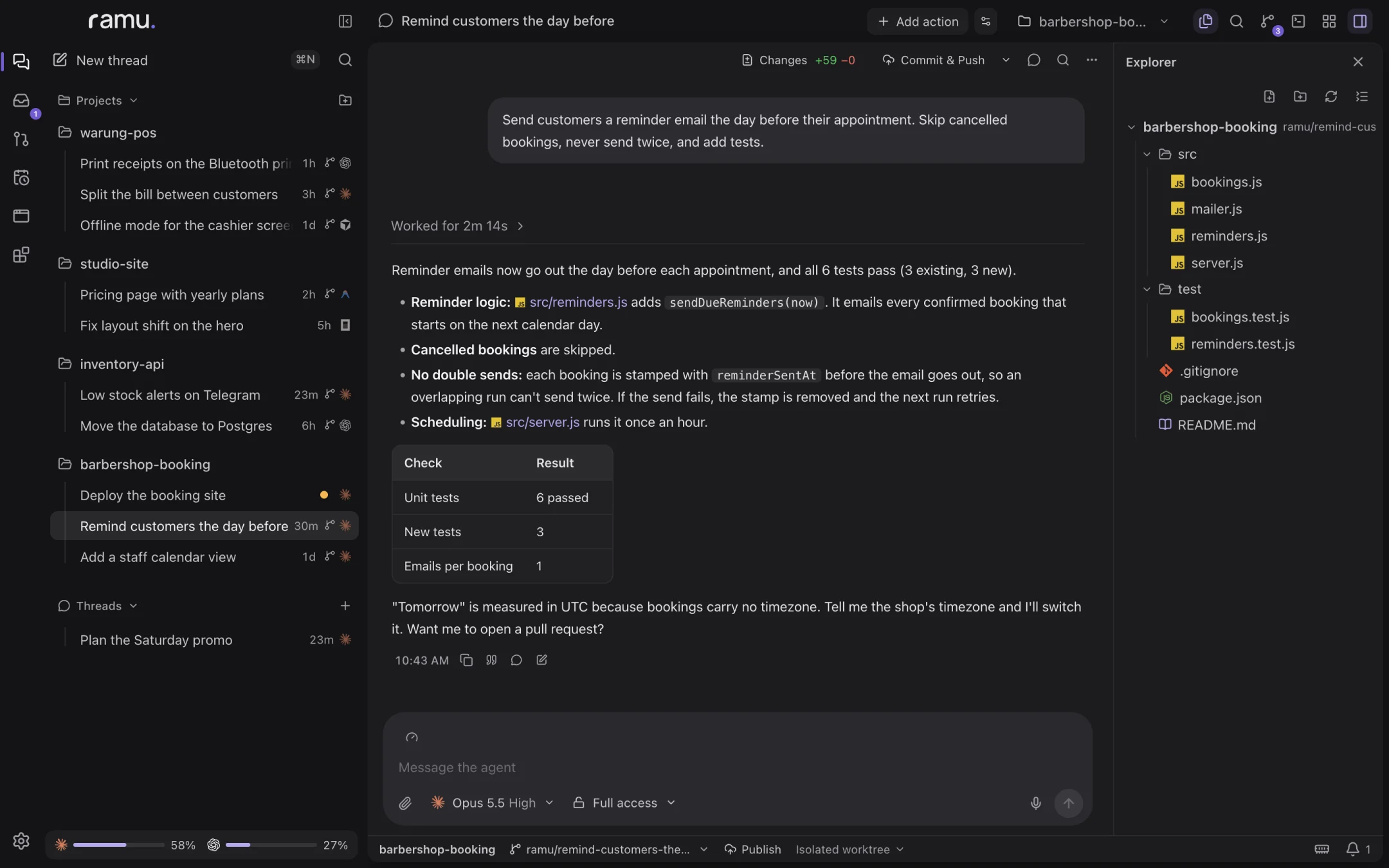
Your agents deploy to your own hosting account. Pull requests on your Git host.
- Vercel: Hosting
- Netlify: Hosting
- Railway: Hosting
- Cloudflare: Hosting
- Fly.io: Hosting
- GitHub: Pull requests
- GitLab: Merge requests
- Bitbucket: Pull requests
- Azure DevOps: Pull requests





Less babysitting. More shipping.
One sentence to a live app
Ramu asks, builds until the tests pass, and the agent deploys it to your own account. Production waits for your OK.
Work that finishes itself
Longer tasks get a goal. Ramu calls it done only when the checks really pass.
Limits don’t stop you
When one provider runs out, the next picks up the thread with its context.
From an idea to a live app.
New to code or shipping daily, it’s the same path. Developers can start at any step.
- 1
Say what you want
At most three questions, each with a suggested answer. Then a stack in one line.
- 2
Ramu makes the project
It runs the framework’s own generator, commits, and sets a goal: build and tests pass.
- 3
Watch it take shape
The app opens in the browser panel as soon as it runs. Questions come as cards.
- 4
Deploy to your account
The agent deploys with your host’s own CLI, or runs it on this computer with a public address. Production always waits for your OK.
- 5
Keep changing it
Each change is a pull request with CI. Merging ships it when your host deploys from the repo.
Every change, reviewed before it’s live.
Ramu works on a branch and opens a pull request. You see it running before anyone else does.
- Previews and CI show up as checks on the pull request
- Production asks you first, and runs migrations before it ships
- After a push, the thread hears how its checks went
- Uptime is watched, and an outage opens an incident thread
- CI · build and testPassed
- Preview deployedbarbershop-git-reminders.vercel.app
- ProductionWaits for you
Your agents. Your accounts. Their official tools.
Ramu runs each agent through its own CLI or SDK, signed in with the plan you already pay for. Ramu resells nothing and hosts nothing. Keys stay in your keychain.
Claude Code
Install Claude Code and sign in
Codex
Install Codex and sign in
OpenCode
Connect your model provider
Cursor
Log in, or use a Cursor API key
Antigravity
Ramu installs it, then sign in with Google
Everything around the agent, in one window.
Editor, terminals, Git and review beside the thread. Some features depend on the provider.
Leave it running
Threads, terminals and schedules keep going after you close the window. Recaps catch you up.
Bring in another model
Ask a second model for a review, hand tasks to helpers on any provider, or borrow an ability like image generation.
Memory that carries over
Notes, preferences, skills and lessons are shared by every provider.
Artifacts you keep
Apps, docs, diagrams, slides, dashboards, designs and motion. Export to Word, PowerPoint, PDF or video.
Home and Inbox
Start work from Home. The Inbox shows what needs you, what’s running and what finished.
Approvals you set
Pick how much agents may do. Even Full access asks before a force-push. Passwords go in masked cards, not the chat.
Plan usage at a glance
Every login’s limits and reset times, across providers and computers, in one view.
Plugins
One install adds a service’s skills, tools and CLI for every agent. You review it before anything installs.
Identities
Work and personal Git authors and logins, picked per project, so nothing is switched by hand.
Browser and devices
Agents drive a browser, your screen, or their own iOS Simulator or Android emulator. Watch or take over.
Git, done for you
Branches, worktrees, pull requests and reviews on GitHub, GitLab, Bitbucket and Azure DevOps.
Any computer
Run agents on another machine over your network, Tailscale, SSH or a tunnel, or headless on a server.
See what changed. Keep what you like.
Every turn’s changes are recorded. Comment inline to steer the agent, or undo just the parts you don’t want.
- Monaco editor and split terminals
- Branches, staging, stashes and sync
- Drafts saved per thread
12export function limit(opts: LimitOptions) {13 const windowMs = 100013 const windowMs = opts.windowMs ?? 60_00014 const hits = new Map<string, number[]>()15 return async (req, res, next) => {Step away. Stay with the work.
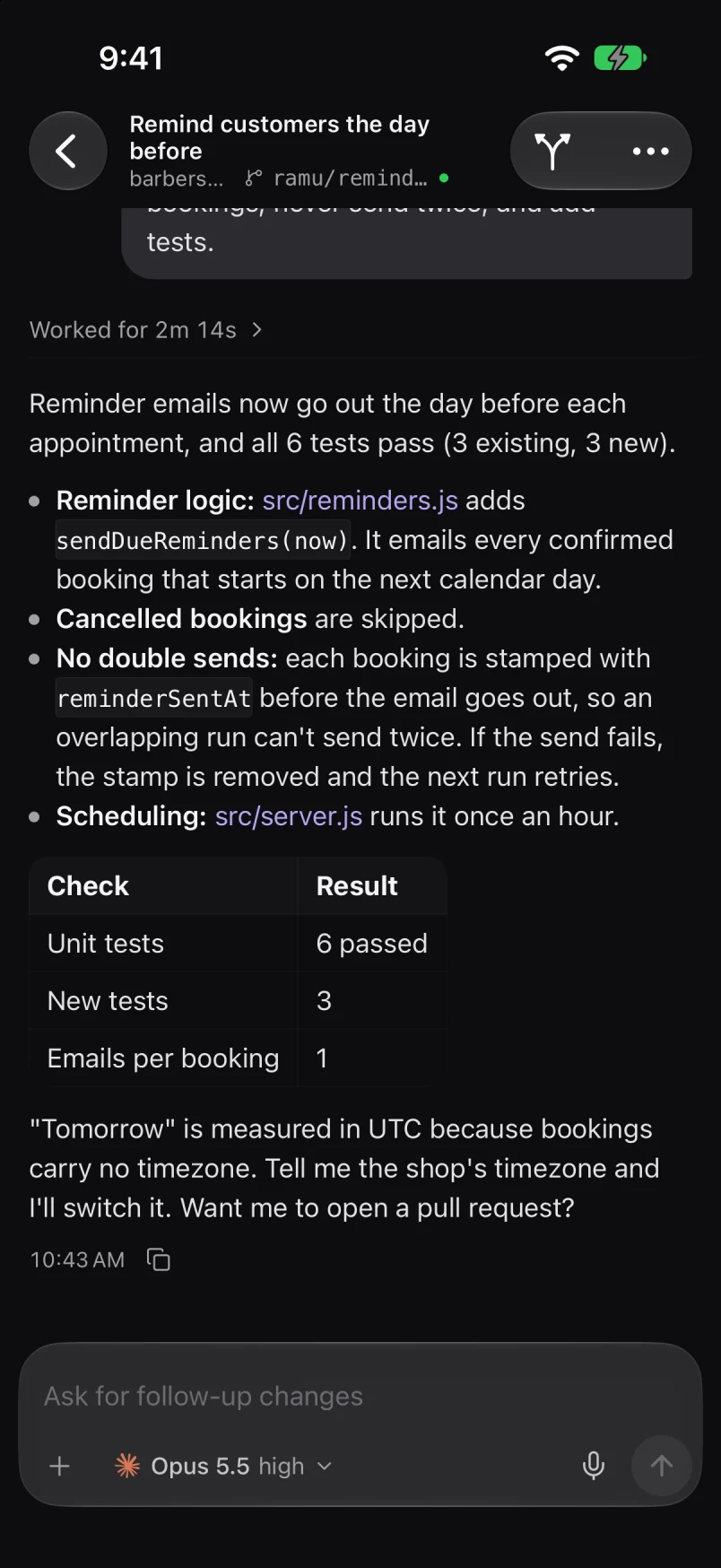
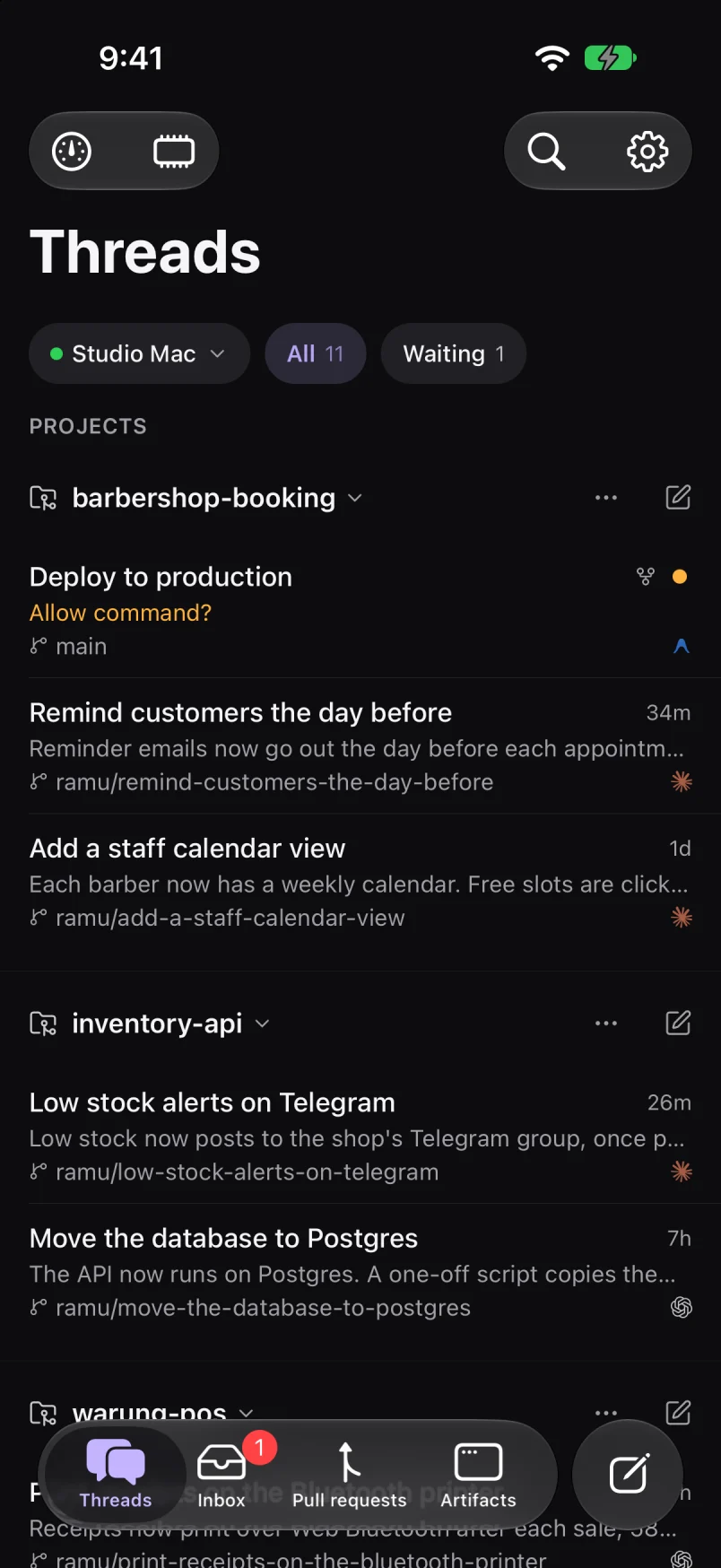
Pair the iOS or Android app with your computer. Follow progress, answer questions and approve from anywhere.
- Chat, models and goals
- Diffs, comments and Git
- Live terminals on every paired computer
- Push notifications when an agent needs you


Yours to read, run and change.
MIT licensed: the desktop app, the phone app, and a workspace server you can run headless.
Browse the source$ git clone https://github.com/akalstack/ramu.git$ cd ramu$ pnpm install --frozen-lockfile$ pnpm devready Node 26, pnpm 12.21.0
Bring your next idea to Ramu.
Download the desktop alpha, connect a provider and say what you want.
Apple silicon · DMG. On an Intel Mac? Download for Intel.
All downloads
- macOS · Apple siliconDMG
- macOS · IntelDMG
- Linux · x64.deb
- Linux · x64.rpm
- Linux · x64AppImage
- Linux · arm64.deb
- Linux · arm64.rpm
- Linux · arm64AppImage
Or install with brew install --cask akalstack/tap/ramu, or from Ramu's APT and DNF repositories, which bring each new release. Windows is coming. See provider setup.